Prepare a short script
Write complete sentences in the order they should be heard. Remove stage directions that should not be spoken, and read the text aloud once to catch missing words or overloaded sentences.
Voice tutorial
If you are learning how to use narakeet voice, start with a short script rather than a finished project. This guide walks through preparing the text, listening critically, and revising anything that sounds unnatural.
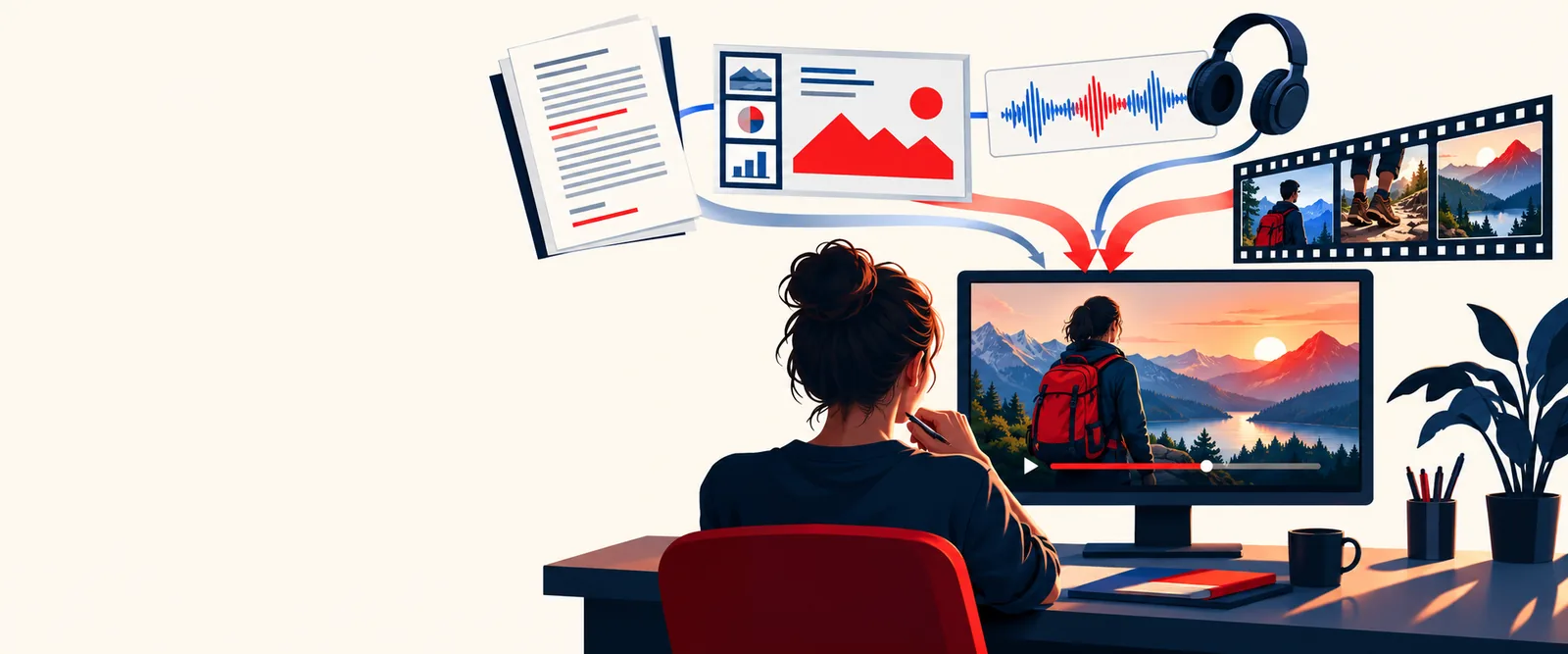
For a useful first test, bring a short passage you can compare against the spoken result.
Use this first-pass workflow before working on a longer lesson, announcement, or video script.
Write complete sentences in the order they should be heard. Remove stage directions that should not be spoken, and read the text aloud once to catch missing words or overloaded sentences.
Enter your script into the voice tool you intend to use. If it offers voice or language choices, select the ones appropriate to your audience, then create a short test before committing to the whole script.
Play the draft from beginning to end while following the text. Mark mispronounced names, rushed transitions, and pauses that feel too long; edit the script and produce another test.
Most first-draft problems are easier to diagnose in the script than in the finished narration.
Proper names, uncommon terms, and abbreviations may not be read the way your audience expects. Isolate the troublesome sentence and listen again before changing anything. Try spelling an abbreviation as separate letters or rewriting a difficult term phonetically, but keep a copy of the original wording for subtitles and reference material. A pronunciation change that helps one sentence can make another sound less natural, so test it in context.
A long sentence can sound breathless even when every word is pronounced correctly. Divide it at a natural thought boundary, replace a dense clause with two shorter sentences, or add punctuation that matches the pause you want to hear. Avoid inserting repeated commas merely to force a rhythm: the result can sound hesitant. Listen to the revised passage as a whole, not just the line you changed.
Numbers, dates, symbols, and shorthand are easy to scan on a page but can be ambiguous when spoken. Write out a critical number or date exactly as it should be heard, then check that the expanded wording still fits the surrounding sentence. Keep an especially close ear on instructions, contact details, and measurements, where a plausible-sounding reading may still convey the wrong information.
Start with one paragraph so revisions stay easy to compare.
Check source rights before using a passage in a published project.
Playback is necessary to check pronunciation and pacing.
Useful for lessons, announcements, and technical scripts.
Use it to guide your review, not as a guarantee that a tool can match it.
Compare the steps for evaluating a tutorial before relying on any claimed access terms.
Clarify what voice narration means before choosing a script-to-audio workflow.
Explore how sentence structure and word choice affect what listeners notice.
Once a short test sounds right, adapt the review to where your audience will hear it.
Treat each explanation as a separate listening unit. Put a key term near the start of its sentence, then give the definition or example without stacking several new ideas together. When you revise a lesson, replay the transition into the next topic: a sentence can sound fine alone but abrupt in sequence.
Lead with the purpose of the announcement, then state the action and any date or location plainly. Avoid a long introductory sentence that delays the practical information. After generating a draft, listen once without looking at the text and note what you can actually recall.
A natural-sounding narration may still arrive too early or late for the visual it describes. Divide the script into scenes or beats before producing a longer read. Test a short section alongside its visuals, then revise the wording or edit timing rather than assuming punctuation alone will solve a mismatch.
Take one paragraph through the draft, listen, and revision cycle. The button opens a separate voice service, so check its available controls and terms there before using it for a larger project.
Prepare a short script with complete sentences and note any names, dates, or abbreviations that must sound a particular way. A single paragraph is easier to review than a full-length project.
The sentence may contain too many ideas for one spoken breath, or its punctuation may not reflect the intended phrasing. Split it at a natural boundary and listen to the surrounding sentences again.
First check the name in a short test sentence so you can hear the problem clearly. If needed, try a pronunciation-friendly spelling in the narration script while retaining the correct spelling wherever readers will see it.
Listen from start to finish without reading along, then check important names, numbers, and instructions against the script. It is ready for your project when the spoken meaning is accurate and its pace works alongside any visuals.