Write the lines
Draft what the listener should hear. Use short sentences and spell out unusual terms when their pronunciation matters.
Voice basics
It refers to synthetic spoken narration made from text with Narakeet. Rather than recording every line yourself, you prepare a script and have a selected voice read it aloud.

A Narakeet voice is a text-to-speech voice used to turn written words into spoken narration; the phrase describes the resulting speech, not a recording of the writer.
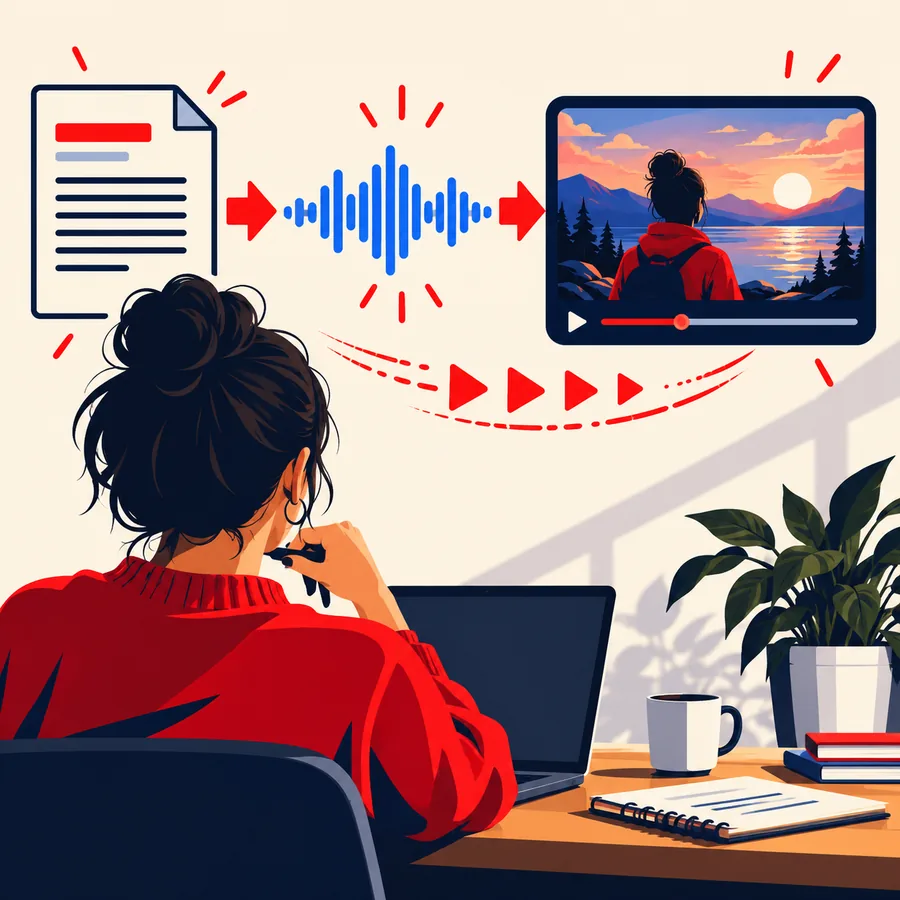
The basic workflow is script first, speech second. Listening and revising the wording are part of making the result useful.
Draft what the listener should hear. Use short sentences and spell out unusual terms when their pronunciation matters.
Select a suitable text-to-speech voice in Narakeet and check the available options in the current tool rather than assuming every voice has identical controls.
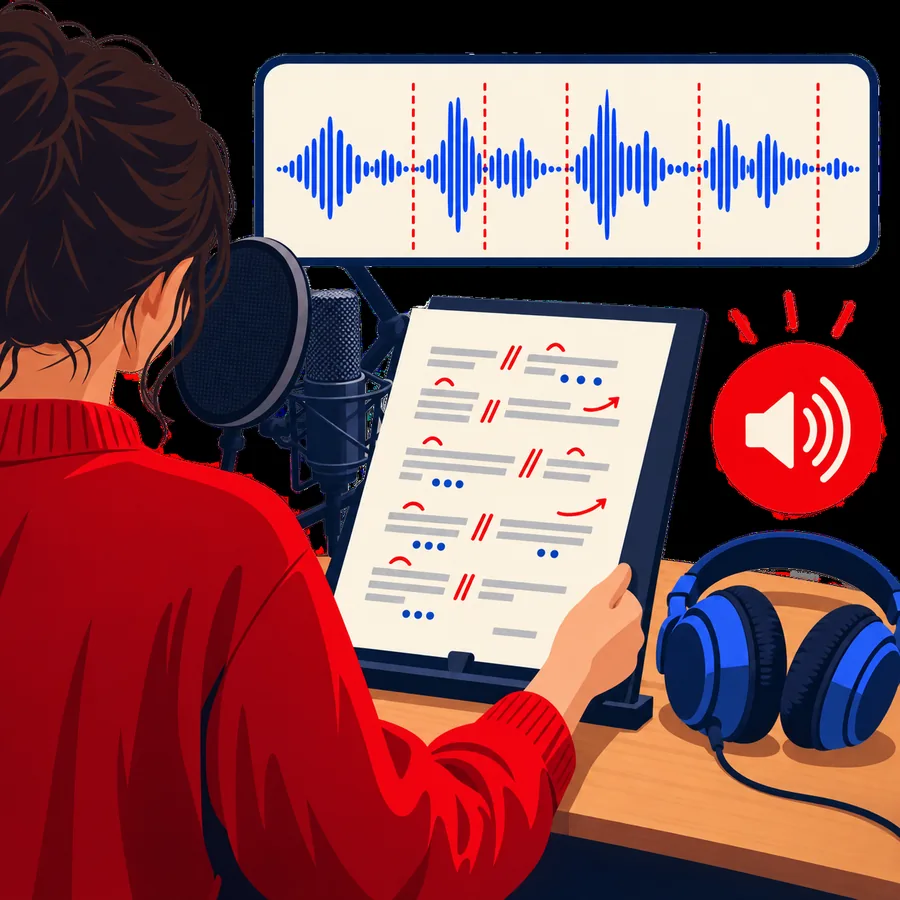
Generate speech, listen for awkward pauses or pronunciations, then edit the script and render it again if needed.
These pages separate the meaning of the term from the tools and workflows around it.
Distinguish the tool used to create narration from the synthetic voice it produces.
Look at spoken output as an audio asset rather than a voice selection alone.
Follow a script-to-narration workflow with room for listening and revision.
You need words to narrate; the rest depends on the audience and where the speech will be used.
A short test passage is enough to check the sound before drafting a longer piece.
Audience and context guide vocabulary, pacing, and tone.
Listen to a test render before relying on a particular pronunciation.
Only prepare visual material if the final piece needs it.
The key distinction is between generating speech from a script and changing speech that has already been recorded.
 Script to speech
01
Narakeet voice is useful when the words are already known but a spoken version is needed. You can draft an announcement, explanatory passage, or lesson and listen to how it sounds. The generated speech follows the text you provide, so a clearer script usually does more for clarity than repeatedly rendering unchanged wording.
 Important distinction
02
A synthetic voice is not automatically a clone of your voice, a live conversation partner, or a recording cleanup tool. Changing the sound of an existing recording is a different workflow from asking Narakeet to read text. Availability of particular voices, languages, editing controls, and export choices should be checked in the current product before planning a project around them.
Scripted narration is most useful when the message needs to stay consistent across revisions.
An educator can prepare a short explanation as text, hear it spoken, and rewrite lines that are too dense to follow by ear.
A creator can plan narration around scenes or slides, then check whether the spoken wording fits the intended sequence.
A team can keep an announcement's wording consistent while testing whether dates, names, and instructions remain clear when spoken.
Try a voice tool with a few sentences first. Listen for clarity and pronunciation, and check the destination's current capabilities before relying on it for a larger project.
It means a synthetic speaking voice used to narrate text through Narakeet. You supply the words, and the tool produces spoken speech from them. The term may refer either to a voice you select or to the narration made with it.
Not by default. Text-to-speech generates speech from written words, whereas recording your own voice captures you speaking into a microphone. Voice cloning, if offered anywhere, is a separate capability that should not be assumed from the term alone.
A written voiceover script can be turned into narration for a video project. Check the timing against your visuals, because text that reads well on a page may feel rushed or awkward aloud. Confirm the current product's video and output options for your particular workflow.
Treat it as narration, not editorial review. A voice can read an incorrect date or unclear instruction just as readily as a correct one. Verify facts yourself, then listen to the generated speech for pronunciation and meaning.