Course creator
Turn a lesson outline into short passages that students can follow without reading a slide.
Review unfamiliar terms aloud before placing the narration beside the lesson.
narakeet ai voiceVoice workflow
Narakeet audio is useful to think of as a path from written words to narration. The quality of that track starts with the script and improves when you listen, revise, and check it in context.
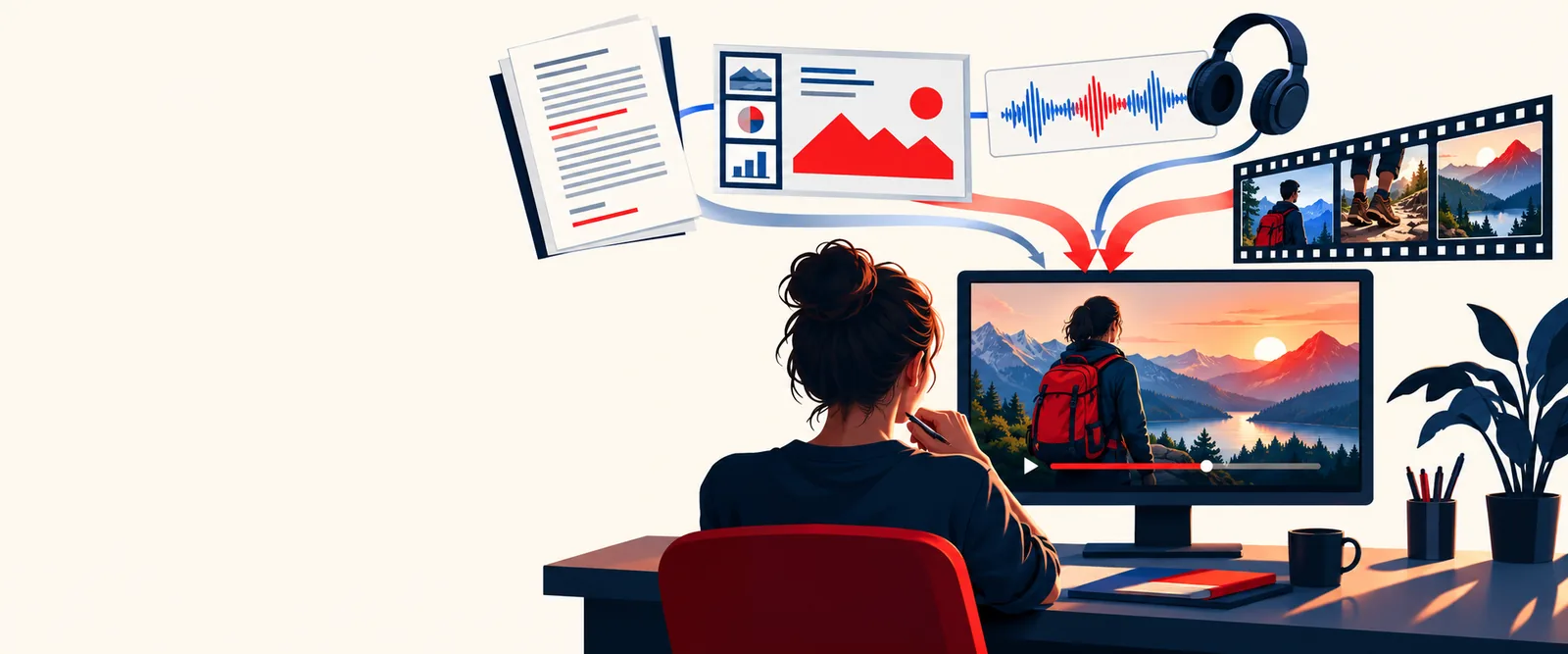
The same basic workflow serves different listeners, but each project needs its own script and review.
Turn a lesson outline into short passages that students can follow without reading a slide.
Review unfamiliar terms aloud before placing the narration beside the lesson.
narakeet ai voiceDraft a concise explanation for a product walkthrough rather than reading on-screen labels verbatim.
Match the spoken copy to what appears in each scene.
narakeet emphasisBreak a long procedure into short, independently reviewable sections.
Make corrections to one passage without rewriting the entire training script.
narakeet ai voicePrepare a voice track for a sequence that already has titles and visual cues.
Check whether the narration leaves enough room for viewers to absorb each frame.
narakeet emphasisScript clarity, spoken pacing, and scene timing work together. A clean document alone does not tell you whether the finished passage will fit its visual context.
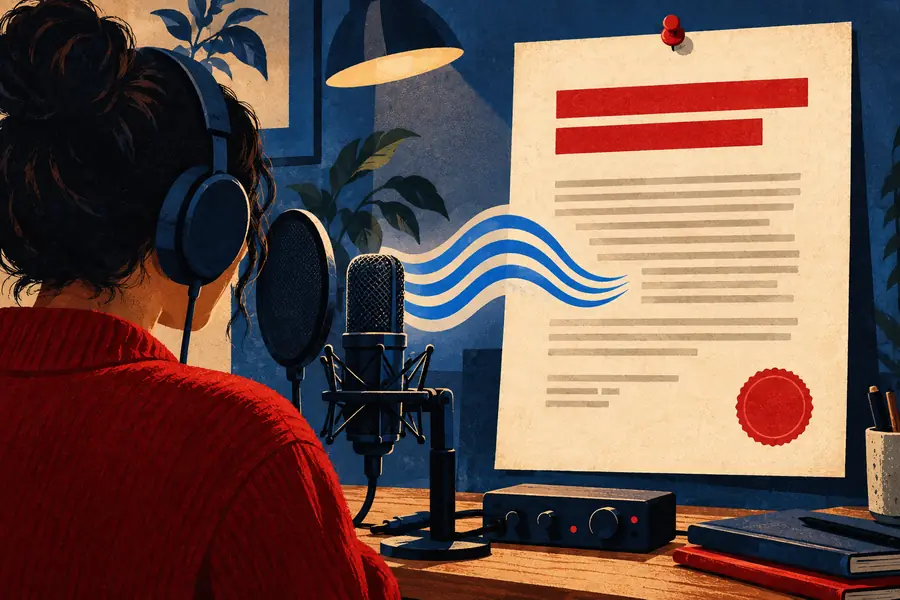
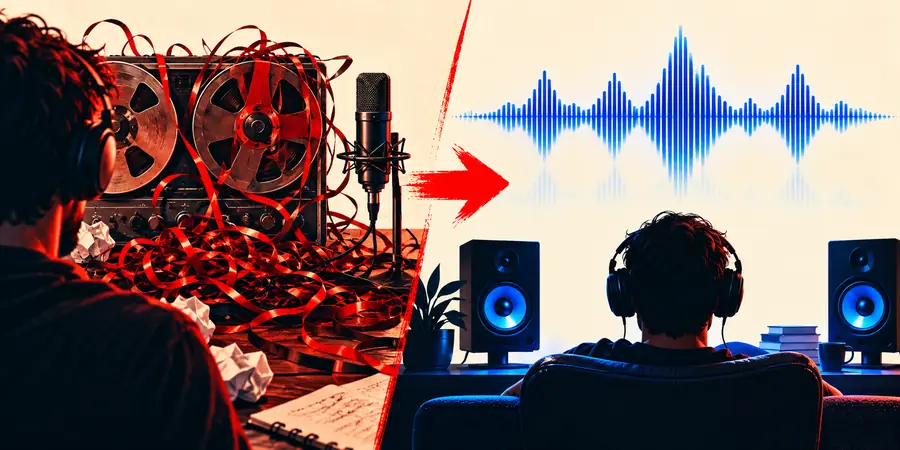
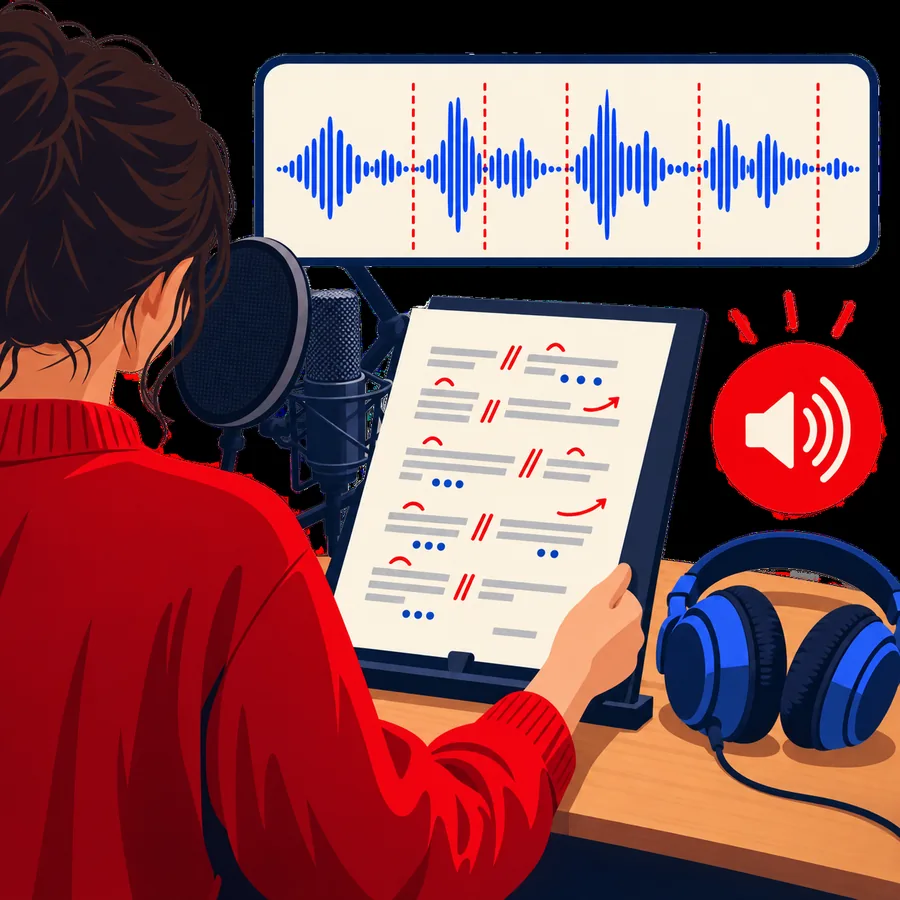
These images illustrate the planning shift from reading a script to checking how a spoken message sits alongside visuals; they are not a guaranteed before-and-after result.
Use short sentences, expand ambiguous abbreviations, and separate ideas where a listener would naturally pause. Read the copy aloud once before using any voice tool.
Start with a passage containing names, numbers, and transitions. Those details reveal pronunciation and pacing issues sooner than a simple opening sentence.
Listen without following the text, then check the track against the intended lesson, presentation, or video. Revise wording where meaning or timing is unclear.
Choose a narrower guide if the main question is voice style, delivery, or where to begin online.
Consider how a generated voice supports a script and what to check when judging its delivery.
Work through ways to make important words clearer without relying on typography alone.
Follow a browser-oriented starting point for preparing and reviewing spoken copy.
Generated speech and a human recording solve different production problems. Neither removes the need to check the final narration.
Script-to-speech approach
A written passage prepared for speech
Recorded human narration
A script and a recording session
Script-to-speech approach
Revise the text and review the new delivery
Recorded human narration
Record a replacement take and match it to the rest
Script-to-speech approach
Test the pronunciation and adjust the wording if needed
Recorded human narration
Give the speaker a pronunciation reference
Script-to-speech approach
Check whether the result conveys the intended meaning
Recorded human narration
Direct the speaker toward the intended reading
Script-to-speech approach
Listen alongside the scene and edit the copy
Recorded human narration
Adjust the take, edit, or scene timing
Script-to-speech approach
Review clarity, pacing, and consistency
Recorded human narration
Review clarity, room sound, and consistency
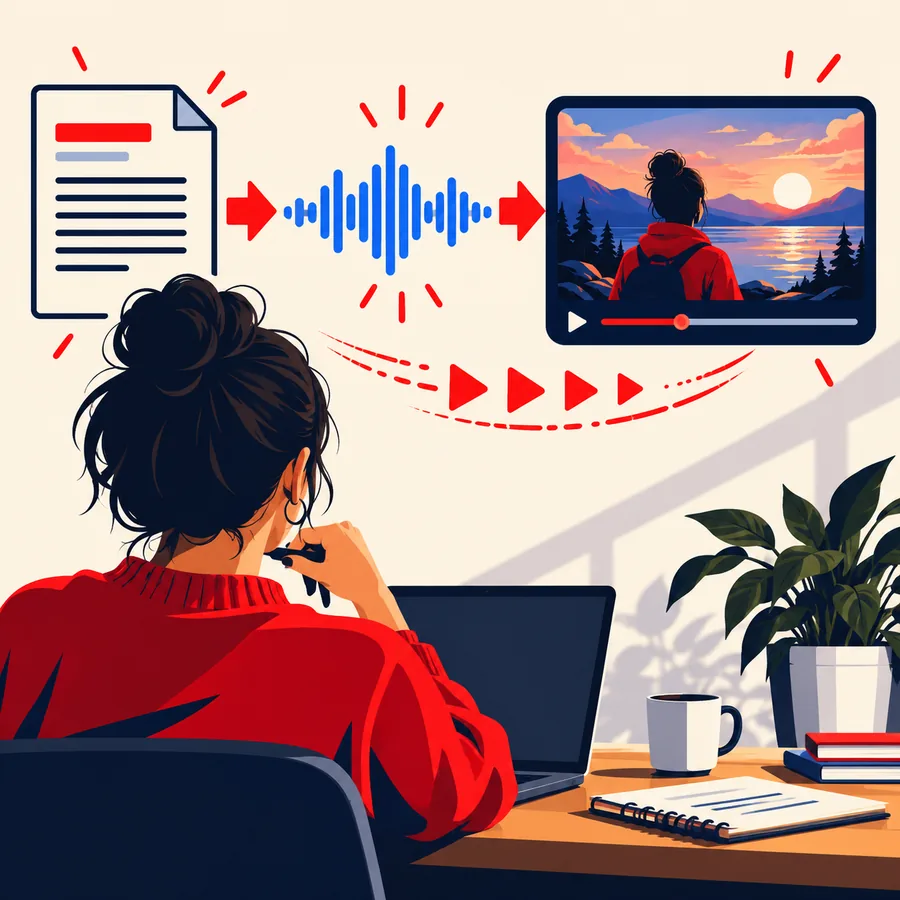
01
A paragraph that reads well on a screen may be difficult to follow when heard once. Put the key point early, give numbers context, and replace dense lists with shorter spoken units. This makes the first listening pass more useful.
02
A voice track may sound clear in isolation yet compete with captions, music, or rapid scene changes. Play it with the surrounding material and note exactly where a listener might lose the thread. Edit the script before assuming a different voice is the answer.
A script-to-speech workflow helps produce narration, but it cannot make every editorial decision for you.
Clear delivery can make an incorrect date or instruction sound convincing.
WorkaroundFact-check names, figures, and claims against their original sources before producing the track.
Brand names, initials, and specialist vocabulary may be ambiguous when written.
WorkaroundTest those words in a short passage and use clearer wording where necessary.
A spoken sentence can run beyond a scene or distract from text viewers need to read.
WorkaroundReview the narration against the actual edit and shorten the script where it feels crowded.
A project's permissions depend on the terms of the service and any other material included.
WorkaroundCheck the applicable terms and rights for your intended use before publishing.
Choose a short section, make its wording easy to follow aloud, and listen for meaning before preparing the rest. The linked voice service is a separate destination; check its current features and terms there.
People searching for narakeet audio are often looking for a way to turn written material into a spoken track for a lesson, announcement, or video. Begin with a short script and assess the result by listening, not just by reading the source text.
Write short, direct sentences and make names, abbreviations, and numbers unambiguous. Read the passage aloud yourself to find places where a listener might need a pause or a simpler explanation.
No. Listen for pronunciation, pacing, and whether the intended meaning survives without the written script in view. If the track accompanies visuals, review both together.
Consider how often the script will change and how much expressive direction the message needs. Test a representative passage, then compare it with a human recording against the same clarity and timing requirements.