Voice maker explained

So what is narakeet voice maker, really?

If you are asking what is narakeet voice maker, think of a way to turn written words into spoken narration. The important distinction is between making speech from a script and changing speech that someone has already recorded.

Narakeet voice creation shown on the site's landing page

What it actually is

A voice maker describes a text-to-speech workflow, not a promise that every voice will suit every script.

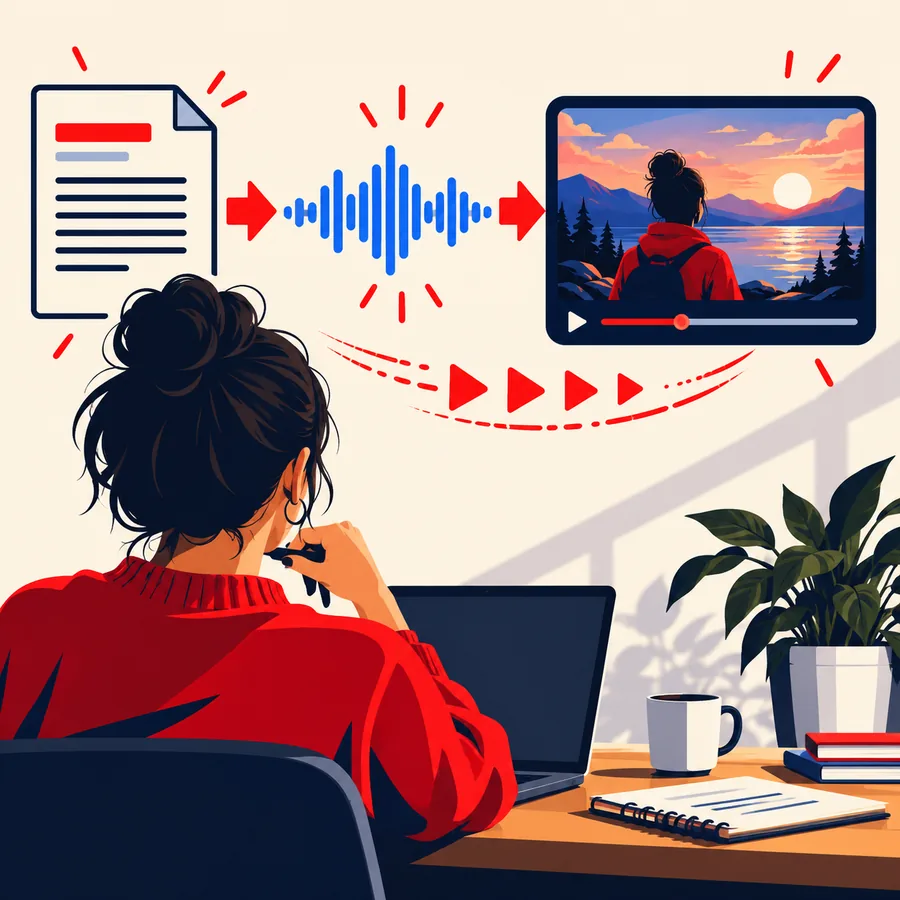
Landing-page feature image illustrating a script and voice workflow

01

The script is the source

Narakeet voice making begins with words you intend an audience to hear. Write the sentence as speech, not as a slide heading: spell out abbreviations where needed, add punctuation for pauses and separate ideas that would sound crowded aloud. For a closer look at the result rather than the workflow, see what is narakeet voice at /what-is-narakeet-voice/.

  • Start with readable sentences.
  • Check names and technical terms.
  • Listen for meaning, not just fluency.
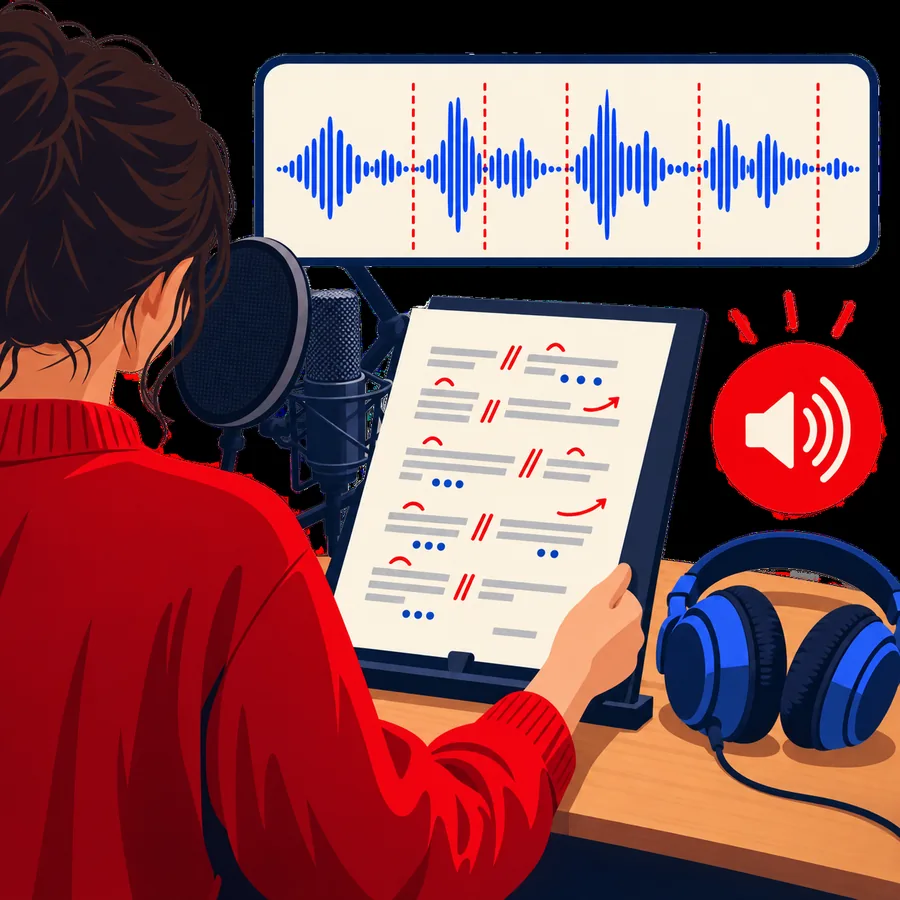
Landing-page feature image representing generated narration

02

The output is a draft performance

The voice maker turns that script into synthetic speech for review. It may be useful for an explainer, announcement or rough narration pass, but a convincing reading depends on the text and the chosen delivery. If your main concern is using a browser to produce narration, narakeet online voice generator at /narakeet-online-voice-generator/ covers that narrower task.

  • Compare the spoken version with the source text.
  • Revise awkward phrasing before publishing.

From script to review

The practical workflow has three stages, with a decision at the end rather than an automatic publish button.

Draft for the ear

Write a short passage with clear sentence breaks. Narakeet cannot infer which unfamiliar name matters most to your audience, so make pronunciation and context explicit in the script.

Make a spoken version

Use the voice-making workflow to hear the words aloud. Treat the first rendition as a test of pacing and clarity, not proof that the message is finished.

Listen and revise

Check omissions, unintended emphasis and difficult terms against the written source. Change the text or delivery and listen again before using the narration in a larger project.

Boundary conditions

Knowing what the term excludes helps you choose the right workflow.

It does not replace consent

Synthetic speech is not permission to imitate a real person's identity or present generated narration as their genuine recording.

WorkaroundUse a clearly authorized voice and disclose synthetic narration when the distinction matters.

It does not repair every recording

A text-to-speech voice maker creates speech from text; it is not, by definition, a tool for cleaning background noise from an existing interview.

WorkaroundFor an existing recording, look for an audio-editing workflow instead.

It does not verify your script

Narakeet can speak a mistaken date or an unclear instruction as readily as a correct one.

WorkaroundFact-check the source and ask a listener to review consequential instructions.

When NOT to use it

Choose the workflow your message needs

Do not use a voice maker as a substitute for a real speaker when the speaker's identity, consent or lived experience is the point. For testimony, sensitive announcements or material where a specific pronunciation must be exact, record and review a human reading. For an ordinary scripted narration draft, you can explore voice creation and decide whether the result fits after listening.

  • Keep the source script available for comparison.
  • Review the spoken result before sharing it.

Voice maker FAQ

It refers to making spoken narration from written text with Narakeet. The script supplies the words; you listen to the resulting synthetic speech and revise what does not sound right.

No. A voice maker starts with text, while a voice changer starts with speech that has already been recorded or spoken. If you have audio to transform, first check that the workflow you choose accepts audio as its input.

You can start with a short draft, but the wording determines what the listener hears. Testing a paragraph early can reveal long sentences, ambiguous punctuation and names that need attention.

Listen to it all the way through before deciding. Check the facts, pronunciation, pacing and whether synthetic speech is appropriate for the audience and subject.

Create audio
Create audio